
As distance selling and distance learning become even more important to our processes everyday, your team can utilize The Lighting Exchange® Presentations portal to enhance this experience.
For all agent users, you can click on Presentations through the sidebar navigation to access your library.
- For BASE Level users, here you will be able to access all presentations and materials your manufacturers have uploaded.
- For PRO Level users you can not only view presentations from your manufacturers, but you can share them, download them, and add them to projects. Additionally, your team can even upload your own presentations as well!
When you first click on Presentations, you will be guided to your Homeroom. Your Homeroom gives you the snapshot of what is going on in presentations. You’ll find quick links to upload or go to your Library, as well as popular presentations and what’s new.
In your Library you can search and sort for videos by keyword, topic, company or visibility.
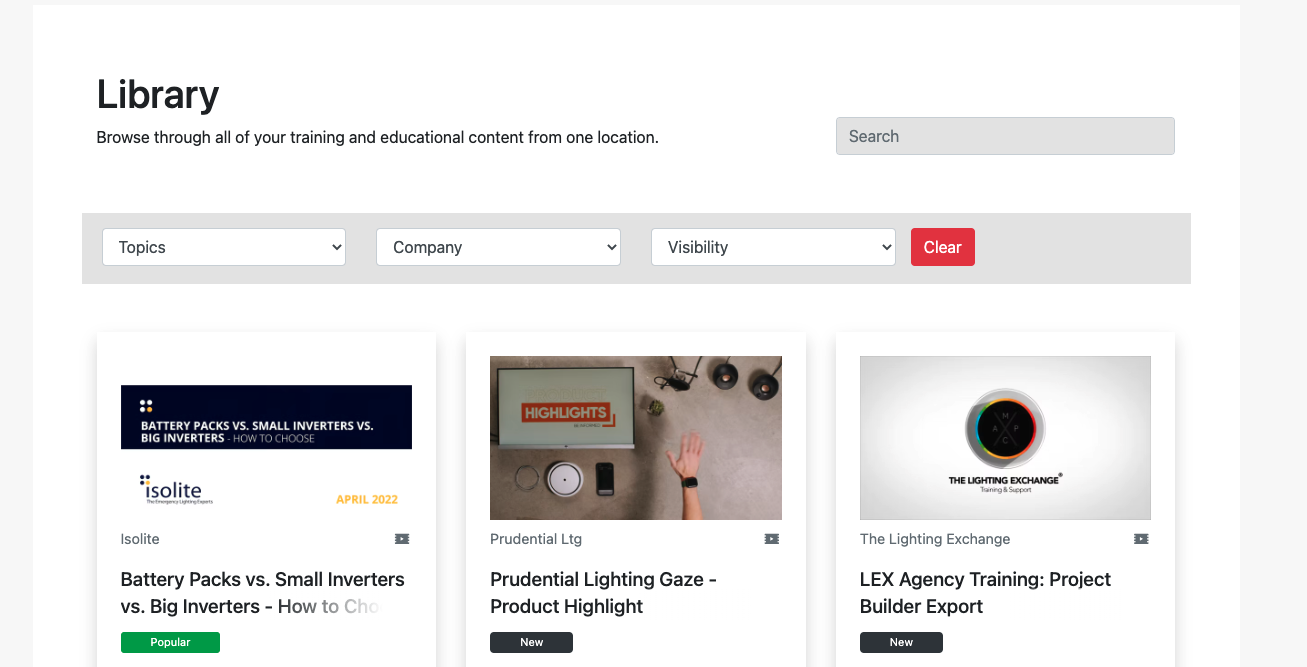
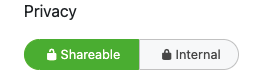
What’s visibility? Well when every presentation is uploaded Manufacturers and PRO Agents can set the presentations visibility to be visible to Internal, or Shareable. Internal presentations are only for the agents to view. Shareable presentations have more permissions for PRO Level Agents as they will be added to your team’s website through its interactive line card, they can be shared with clients or teammates, they can be downloaded, and they can be added to projects.
For PRO Level Users, you can upload a presentation via your Homeroom or within the Library, just click the Upload Presentation link to get started.
- Select whether you are uploading a video or slides, that will change the following prompt to show you what the accepted file types are. Slides-based presentations can be a maximum of 100 MB, while we recommend 200 MB for video-based presentations.
- Name your presentation and add a description.
- Featuring Content From, here you can add the manufacturer or manufacturers featured in your presentation, you are not limited to just one.
- Tag your presentation with any applicable tags, these tags appear as topics within the Library and ensure your video shows in all the right areas
- Set the privacy you’d like this presentation to have to ensure the right parties are able to view it and use it.
- Prior to hitting publish you’ll want to ensure your files have fully uploaded into this screen, you can fill out the other fields while this is happening but don’t exit the window or hit publish before it is complete.
- Then hit publish!
Once published it will be sent to system for processing and then you will be notified via email when the presentation has gone live.
Customers and specifiers will be able to see any presentations that have been made shareable by going to your website or by logging into The Lighting Exchange® portal and opening up their Presentations library. Here, they’ll be able to view and share Presentations marked Shareable by you or your manufacturers.
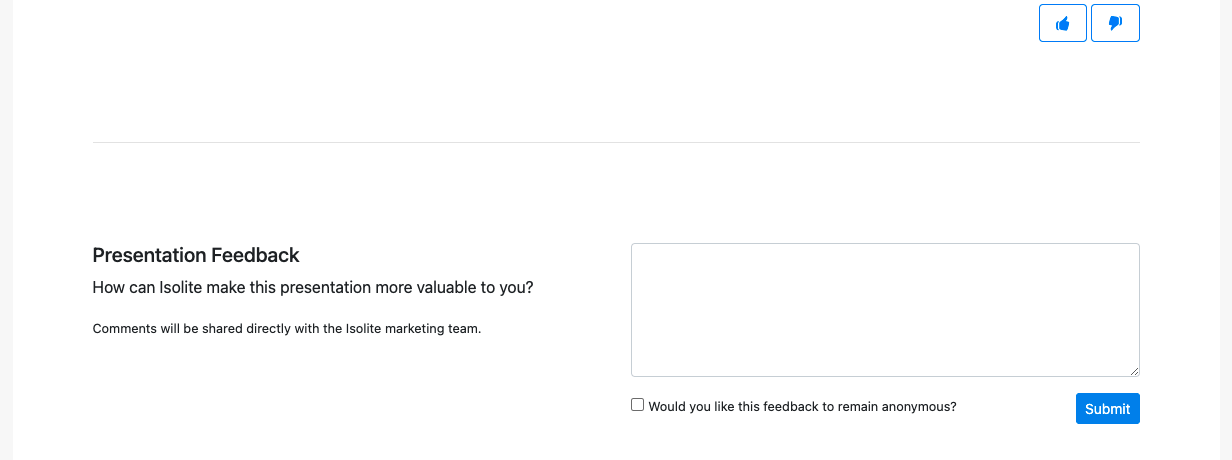
PRO Level users can leave comments and like or dislike presentations to give feedback to the creators. Only agents and manufacturers can see and utilize this feature but it’s great for letting teams know if you need more content or more presentations in a certain style.
These presentations will be a great asset to your team for distance selling and distance learning. Please note however that these presentations are not eligible for continuing education units or CEUs. If you’d like to add a presentation for that format, reach out to [email protected] or give us a buzz via chat and our team is happy to connect you with our partners over at The Continuing Architect. There they can ensure your presentation meets all requirements and then get the presentation listed on the Continuing Education section of The Lighting Exchange®!